 Pensum
Help · Budgeting
Targets and goals
Sinking and Savings categories can have a target. Open the category's settings, choose the type, and tick the target option.
Sinking fund targets
For a bill you know is coming: Amount and Due (the month), and how often it Repeats: every year, 6 months, 3 months, every month, or one-time.
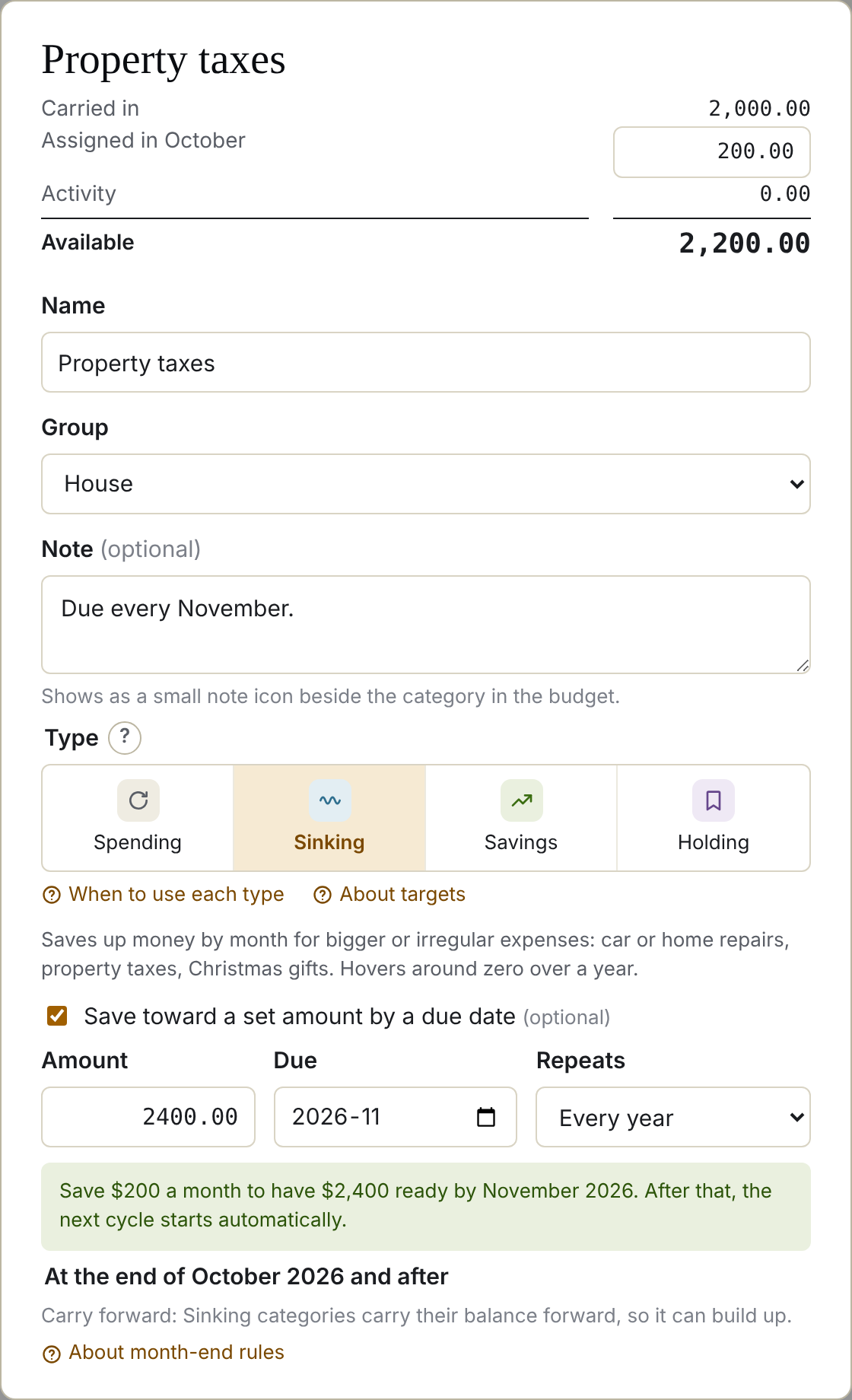
Pensum works out what to set aside each month to have the amount by the due month. Once the due month passes, a repeating target moves on to the next one.
Example: property taxes of $2,400 due every November. Starting in December, that's $200 a month.
Savings targets
A Target amount, and optionally a month to reach it by. With a date, Pensum works out the monthly amount; without one, the bar shows how far along you are.
Reading the bar
Under the category's name, a bar shows progress, with a status:

- On track: what you've assigned this month covers what's needed.
- Behind: you need more each month than you're assigning. Pensum shows how much.
- Due soon: the due month is close.
- Funded: the target is reached.
See a goal that's behind in the demo
The goals report
Reports → How are my goals doing? lists every target with its progress and what's needed each month.
Still stuck? Signed in, choose Contact support in your account menu, or email [email protected]