 Pensum
Help · Budgeting
Month-end rules
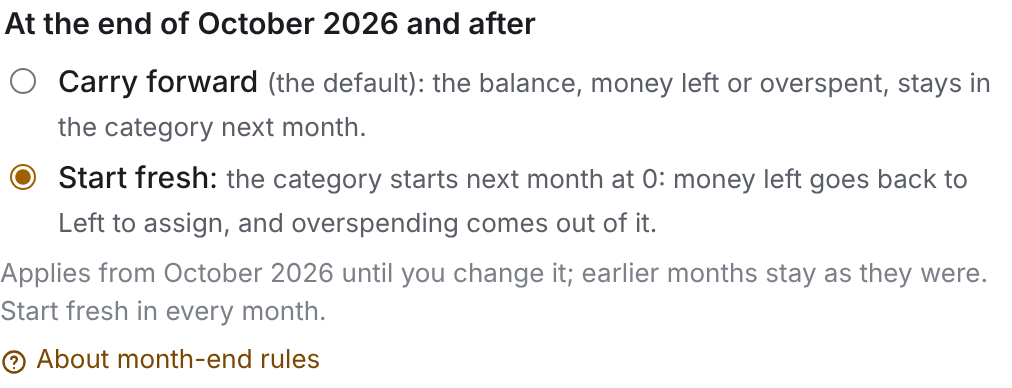
Each category has a rule for what happens to its balance at the end of the month. Change it in the category's settings, under At the end of the month. A new rule applies from that month on; earlier months don't change.
Carry forward (the default)
The balance stays in the category next month: money left over adds to next month's, and overspending is subtracted from it.
Use it for almost everything, and always for sinking funds and savings, where money is meant to build up.
Start fresh
The category starts each month at zero. Money left over goes back to Left to assign, and overspending comes out of it.
Use it for spending you want to keep to a fixed amount each month, such as groceries or dining out, so last month's leftovers don't pile up and a bad month doesn't follow you into the next one.
See Groceries, set to start fresh, in the demo
Where the money goes
You can see what came back or went out: hover or tap Carried in at the top of the month. See Left to assign.
Still stuck? Signed in, choose Contact support in your account menu, or email [email protected]